Ordering Using Order Groups
With Order Groups, the total On Hand and a single, shared reorder point is used to determine whether a default product should be reordered. Instead of tracking each product separately, you can monitor and reorder them as a group, which helps ensure you always have the right amount of stock on hand.
To understand how ordering occurs using Order Groups, review the sections below.
How Ordering Works with the Default Flag
Within each Order Group, there is one pack size flagged as Default. This pack size will be bolded at the top of the grid within the Order Grouping window. The Default is the main product that will be ordered when the group's On Hand falls below the reorder point. Only one Default can be set for each group and if you decide to change it, Propel Rx will prompt you to confirm the change and move the new Default to the top of the list.
To update the Default for an Order Group:
-
Open the Drug Folder for one of the products in the Order Group.
-
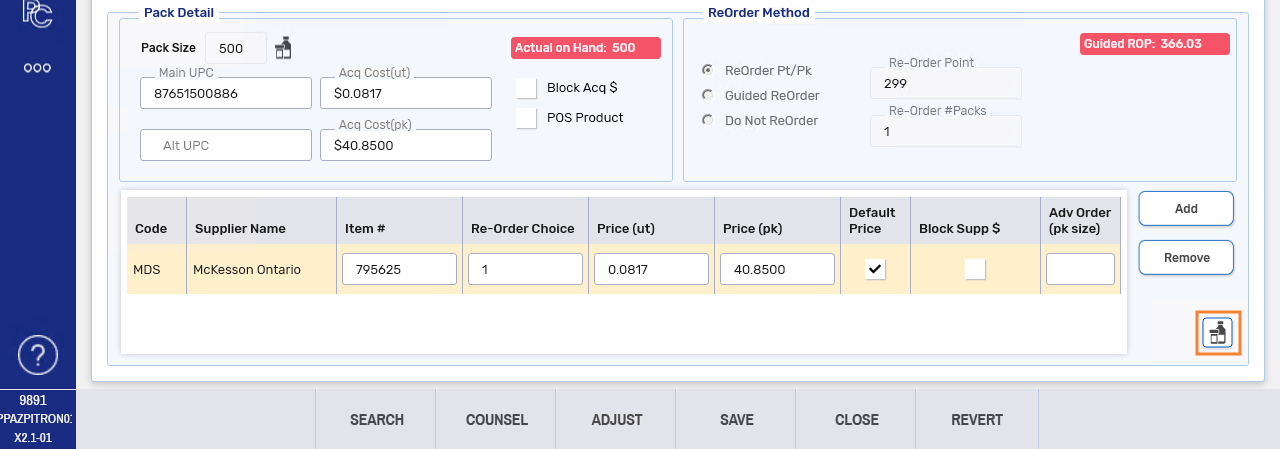
In the Inventory tab, under the Packs Available section, select a pack size that belongs to the Order Group.
-
Under the Pack Detail section, select the Order Group button
 on the bottom right.
 The Order Grouping window opens.
-
Select the Default checkbox for the applicable pack size.
-
A prompt asks you to confirm the action. Select Yes.
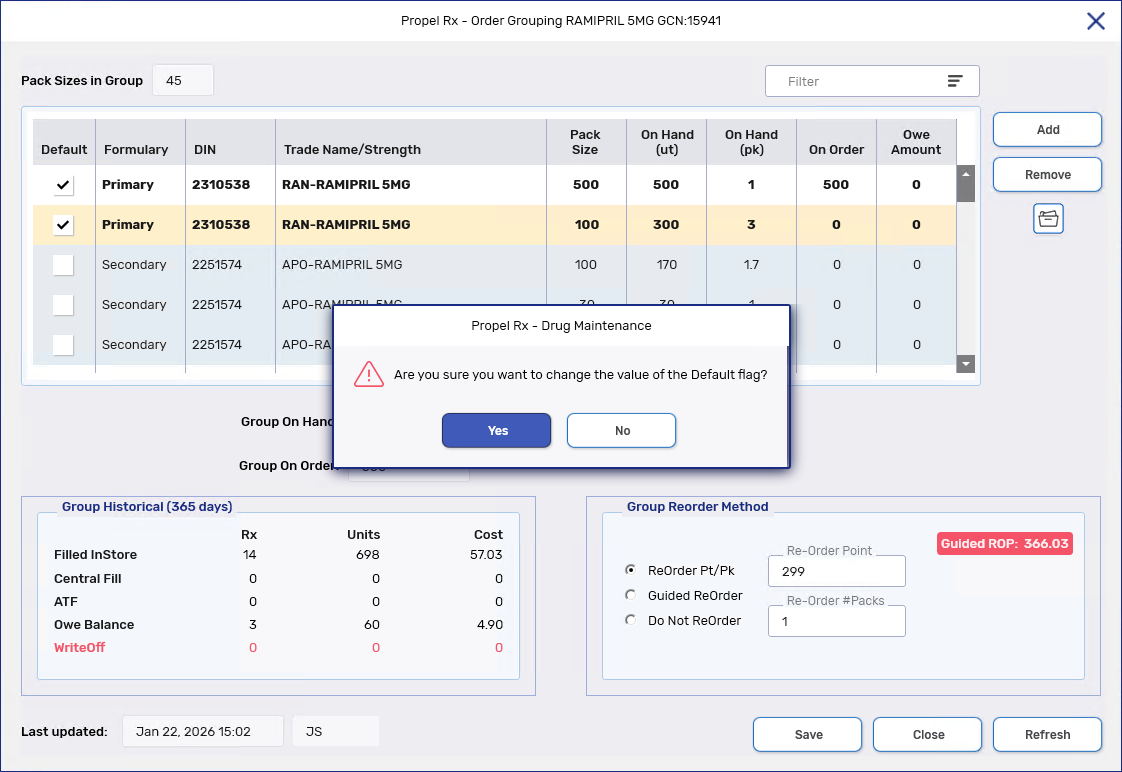
The new Default pack size is bolded.
-
Select Save. The new Default pack size will move to the top of the grid.
-
Select Close.
How Automatic Ordering is Triggered
Automatic ordering looks at the total On Hand (Group On Hand) for all products in the Order Group, including what's already on order. If the total On Hand is above the reorder point or Do Not Re-Order is set for the group, no order is placed. If the total On Hand drops below the reorder point, Propel Rx automatically orders the Default product.
If an Owe Balance is created for a prescription and there is not enough On Hand, an alert will appear in the Owe Balance window. The purpose of the alert is two-fold:
-
It warns you that the Default product will be ordered, even if the Owe Balance is not for the Default product.
-
It lets you know if there is sufficient inventory on an interchangeable DIN.
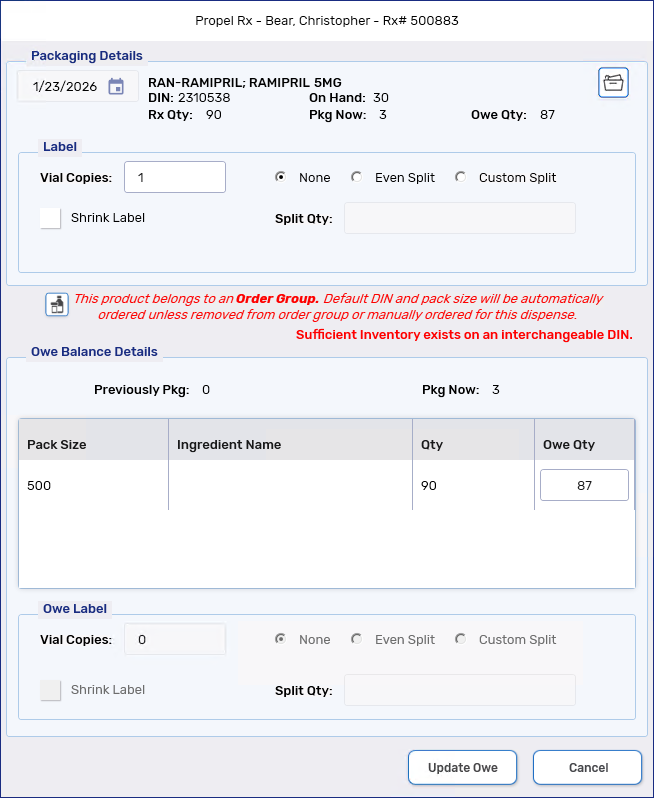
If necessary, rebill the prescription for the Default DIN or an in stock interchangeable DIN, or order the product manually.
Setting and Modifying Reorder Parameters
The reorder settings are shared across all pack sizes in an Order Group. Users with Ordering permissions in the Security Administration Facility window will be able to modify these settings from two locations.
Select the dropdowns to learn more.
 From the Order Grouping window
-
Open the Drug Folder for one of the products in the Order Group.
-
In the Inventory tab, under the Packs Available section, select a pack size that belongs to the Order Group.
-
Under the Pack Detail section, select the Order Group button
on the bottom right. The Order Grouping window opens.
-
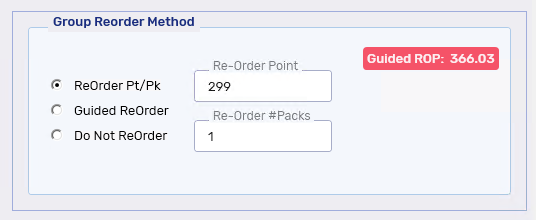
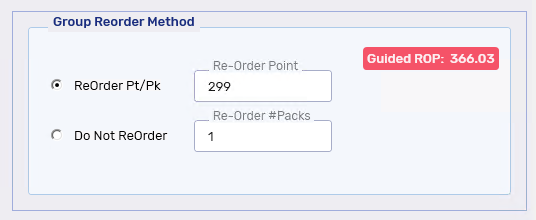
In the Group Reorder Method section, update the reorder method and/or its parameters.
-
Select Save then Close.
-
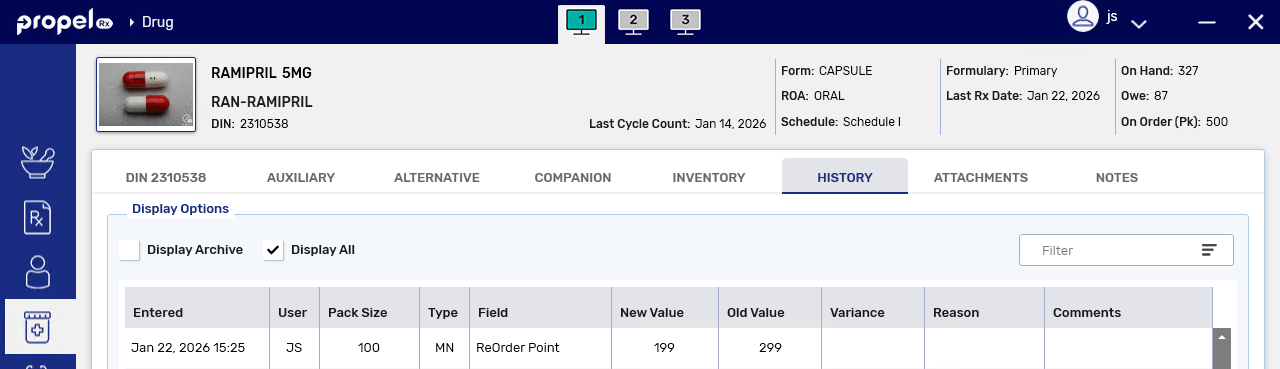
The new reorder settings are copied over to the Drug Folders for all members in the group.
-
Changes to the reorder method and/or reorder values are recorded in the Drug Folder History tab for each group member.
-
 From the Cycle Count Module
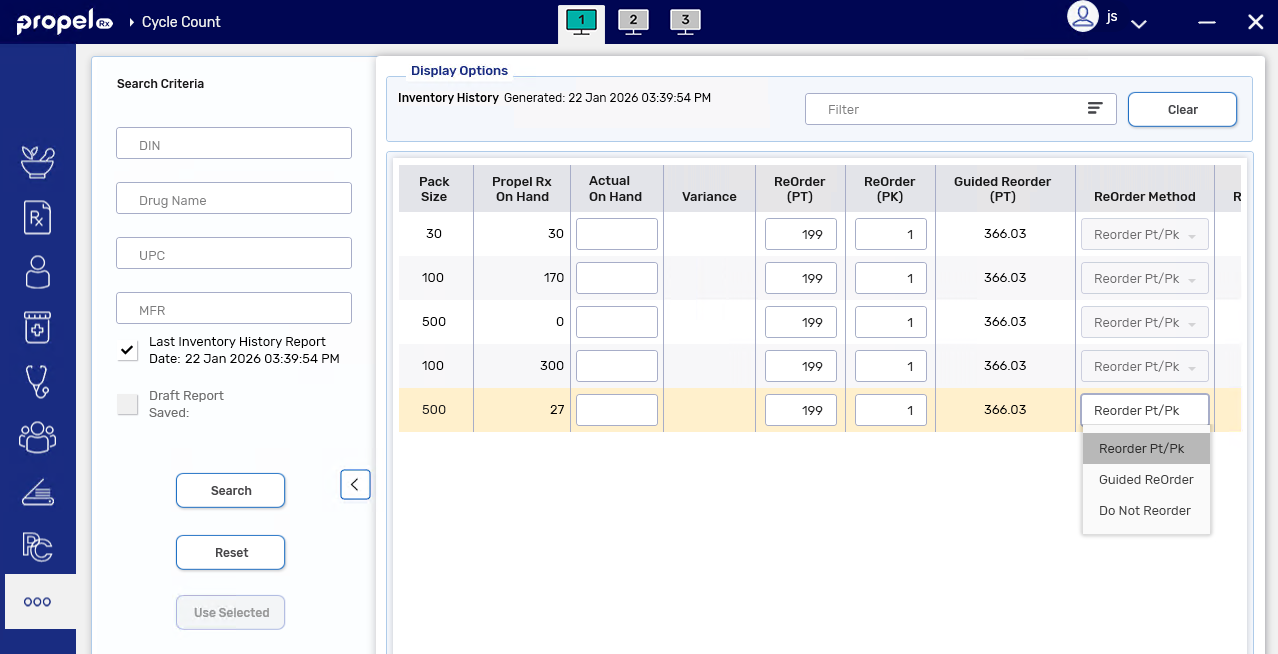
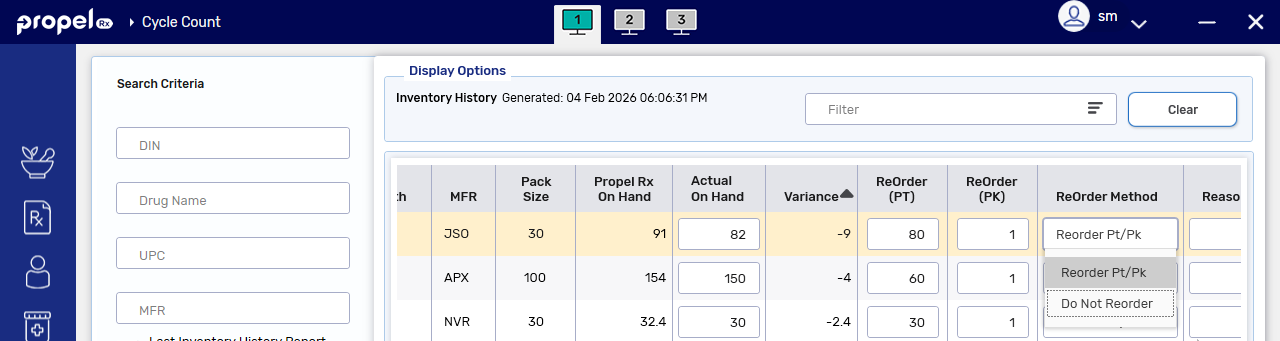
From the Cycle Count module, you can only update the reorder method for the Default pack size. For all other pack sizes in the group, the ReOrder Method field will be disabled.
-
Select More (...) > Inventory > Cycle Count.
-
Enter your search criteria. Then select Search.
-
For the Default pack sizes, update the reorder method and/or reorder values.
-
Complete the Cycle Count as per usual process.
-
The new reorder settings are copied over to the Drug Folders for all members in the group.
-
Changes to the reorder method and/or reorder values are recorded in the Drug Folder History tab for each group member.
-
Receiving Auto-Substitutions
When Propel Rx receives an auto-substituted product from PharmaClik Ordering in a purchase order, monitoring and reorder parameters are automatically set for the received and substituted products. For more information, see Receiving Auto-Substituted Drugs.
However, if the product is part of an Order Group, no updates are made to the reorder settings upon purchase order reconciliation.